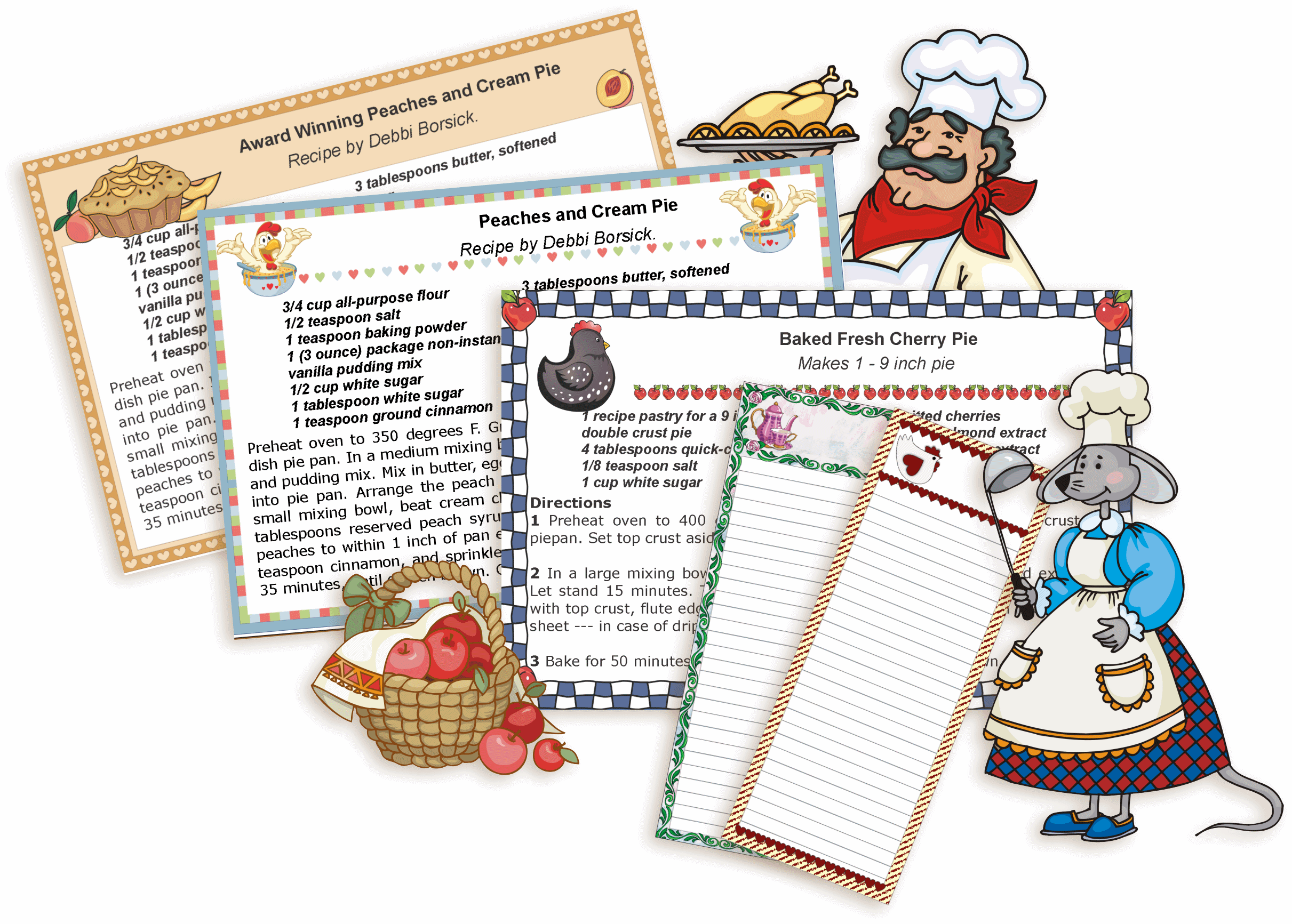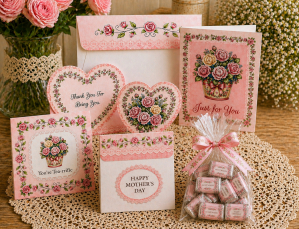
Free paper craft projects such as printables, templates, scrapbooking layouts, recipe cards and more.


Subscribe for E-mail Updates!
Get more free printables every month!
MAIN MENU TERMS OF USE | HELP

8987

Printing Online


New Printables

REQUIRED SOFTWARE: You will need the latest version of Acrobat Reader or Foxit Reader to use my e-books. Most likely you already have this program, you may check this out by clicking on the Start button, point to All Programs and then see if you can locate a program Adobe Acrobat. Or click here to open sample place cards, this file should automatically open in this program for you. SAMPLE
A quick check if you need an update of this program:

Can you type in your text?
Can you save the file?
Can you print the file?

If you can only print but not change text, you will need a new version. But if you can change text, save and print, you already have the latest version.
You will need the latest version of Acrobat Reader:
You can download it here.
Click here for more information.

Old Editable Printables
Notice: Things are changing fast and more and more visitors report they are having problems printing graphics off the web page. This means that I will no longer create editable printables in the future. Instead I will create e-books and hopefully these will last longer.

Because I can't change or convert all old printables to e-book format, those "print online" printables will stay online in the same format as they're in now, for the time being.

Here are a couple of things you need to know before printing.


No. 1 - you must use Internet Explorer or Aol because these browsers are compatible. Others such as Firefox or Netscape are not compatible.

No. 2 - always Print Preview before printing. Preview will show you how your printed copy will look and you will be able to make any necessary changes before you start printing.

No. 3 - If you are using Internet Explorer 7 or better, please make sure you change the Print Scale from "Shrink to fit" to 100%. This is a must. If you skip this step, your printed copy will be smaller.
Click here for directions.


  • - HOW TO PRINT PREVIEW?


  • Click on the browser you are using:
    Internet Explorer 8
    Internet Explorer 7
    Internet Explorer 6
    AOL
  • HOW TO PRINT IN LANDSCAPE ORIENTATION
  • HOW TO PRINT IN PORTRAIT ORIENTATION


  • PAPER TO USE

  • I recommend you to use 8-1/2" by 11" or A4 cardstock paper.
    Nothing I offer is optimized for perforated or prescored paper.


  • FOLDING - I recommend that you crease along the fold lines before folding so that paper doesn't crack. The result are crisp folds. Use a an embossing stylus and a ruler as your guide. Instead of the stylus you can also use a ball point pen that has run out of ink.


  • If you print on vellum or some other expensive paper, print a test page on plain paper to check for sizing.


  • Subscribe for E-mail Updates!
    And be the first to know when I add new goodies!


    Using an RSS reader? Subscribe here.
    (What is an RSS reader?)


    Play games online!


    MAIN PAGE
    CONTACT
    PRINTABLES
    RECIPE CARDS
    PRIVACY POLICY


    Copyright © 2011 Prints of Joy. All rights reserved.