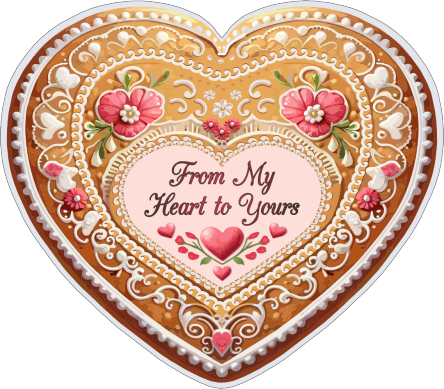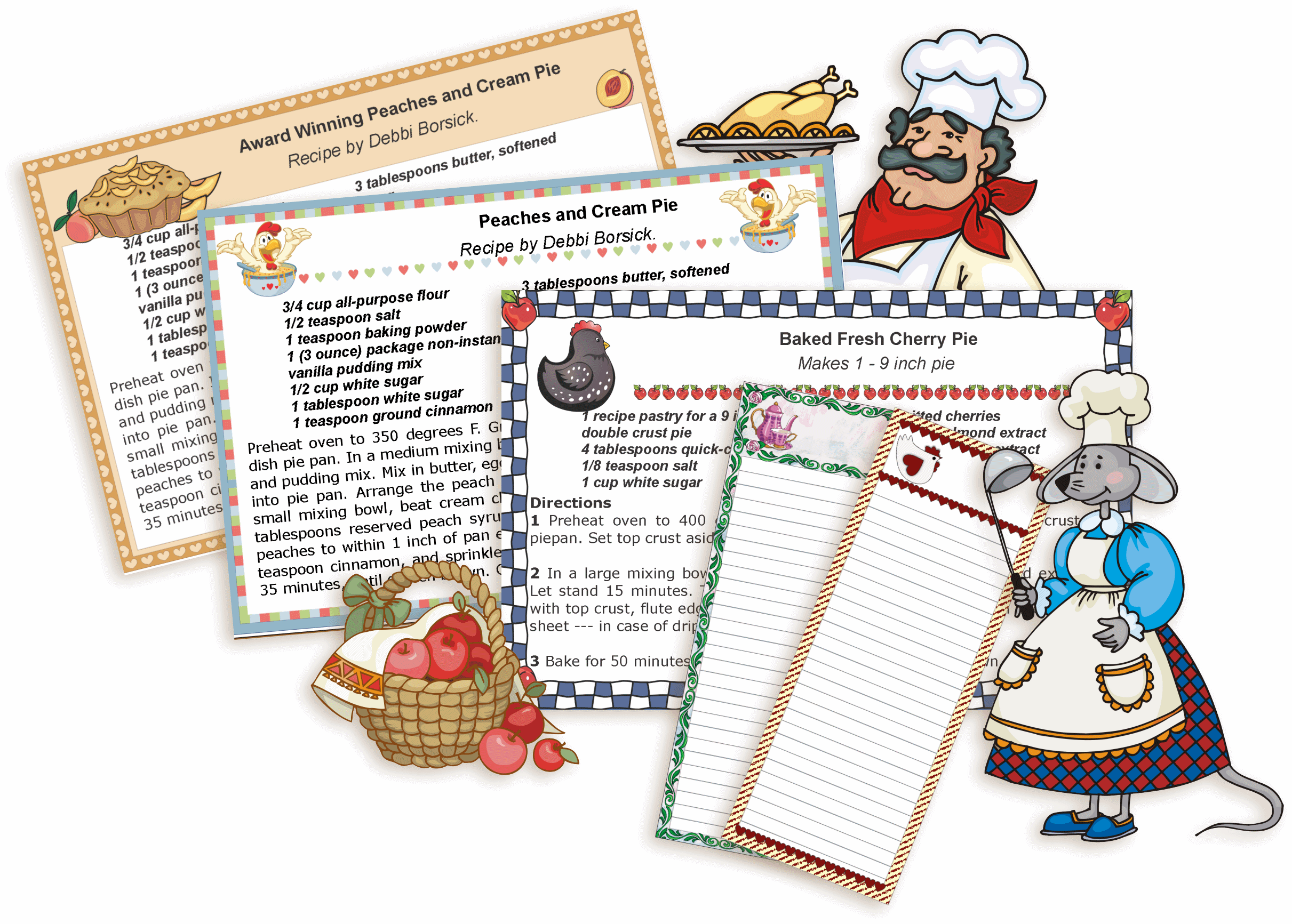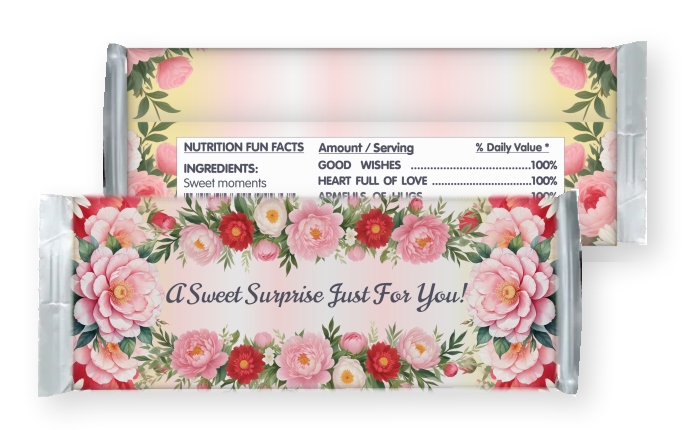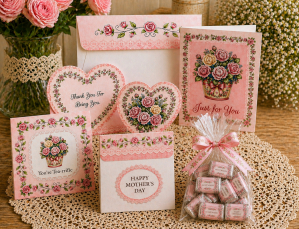
Printable Labels

You can print out the labels right in your browser, however in this case, you'll have to print them on a full sheet and then cut out each label.

Use a full sheet of self adhesive paper and cut out each label.
Handwrite your text.

Download Label (No Text)
Download Label (With Text)
Download Label (No Text)
Download Label (With Text)
1. Assorted, add your text
2. Assorted with text, personalize
3. Assorted with text, print, cut out and handwrite your text.


Large Labels
Small Labels
Large Labels (No Text)
Small Labels (No Text)
Large Labels
Small Labels
Large Labels (No Text)
Small Labels (No Text)
Small Labels
Small Labels (No Text)


Circle Labels - Diameter: 2.5"

Print Print Print
Large Large Large


Printable 2"x4" Labels

Print Print Print Print
Large Large Large Large
Print Print Print Print
Large Large Large Large


To print labels in your program, save large labels.
I provided step-by-step instructions on how to add text to labels in MS Word - click here.

  • 2-1/2" round labels - Avery 5294 ®
  • 2-3/4" x 2-3/4" diskette labels - Avery 5069 ®


  • Printables are available in a .png image format because .png allows for the highest image quality at the smallest size.

    I recommend you to open my printables (if you print online) in Interent Explorer, because not all browser support PNG graphics.


    8987
    Subscribe for E-mail Updates!
    Sign up to my newsletter and you'll receive notices of new printables to this website and to
    Prints of Joy, my online store.

    Enter your email address:

    Delivered by FeedBurner
    Using an RSS reader? Subscribe here.
    (What is an RSS reader?)


    Custom Search


    Click to join alenkasprintables

    Click to join alenkasprintables


    Copyright ©2009 Prints of Joy. All rights reserved.